The Mandalorian and Grogu opens tomorrow. I looked up a trailer on the drive over last time and was queasy before we hit the parking lot.
Quick answer: Android Remove Animations is an accessibility setting that strips the sliding, fading, and zooming transitions played between screens. To turn it on: open Settings, tap Accessibility, find Remove Animations, toggle it on. It lives in Accessibility rather than Display, which is why most people never know it exists.
What’s happening
The car is moving but your eyes are fixed on a screen. The screen looks still, but every app switch and scroll triggers a sliding animation. Your inner ear and your eyes are sending conflicting signals to your brain. You didn’t get carsick from watching; you got carsick from the animations you weren’t even noticing.
It’s more common than you’d think
About 1 in 3 people are susceptible to motion sickness, and for backseat passengers it’s nearly 1 in 2.
How to turn it off
- Open Settings
- Tap Accessibility
- Find Remove animations
- Toggle it on
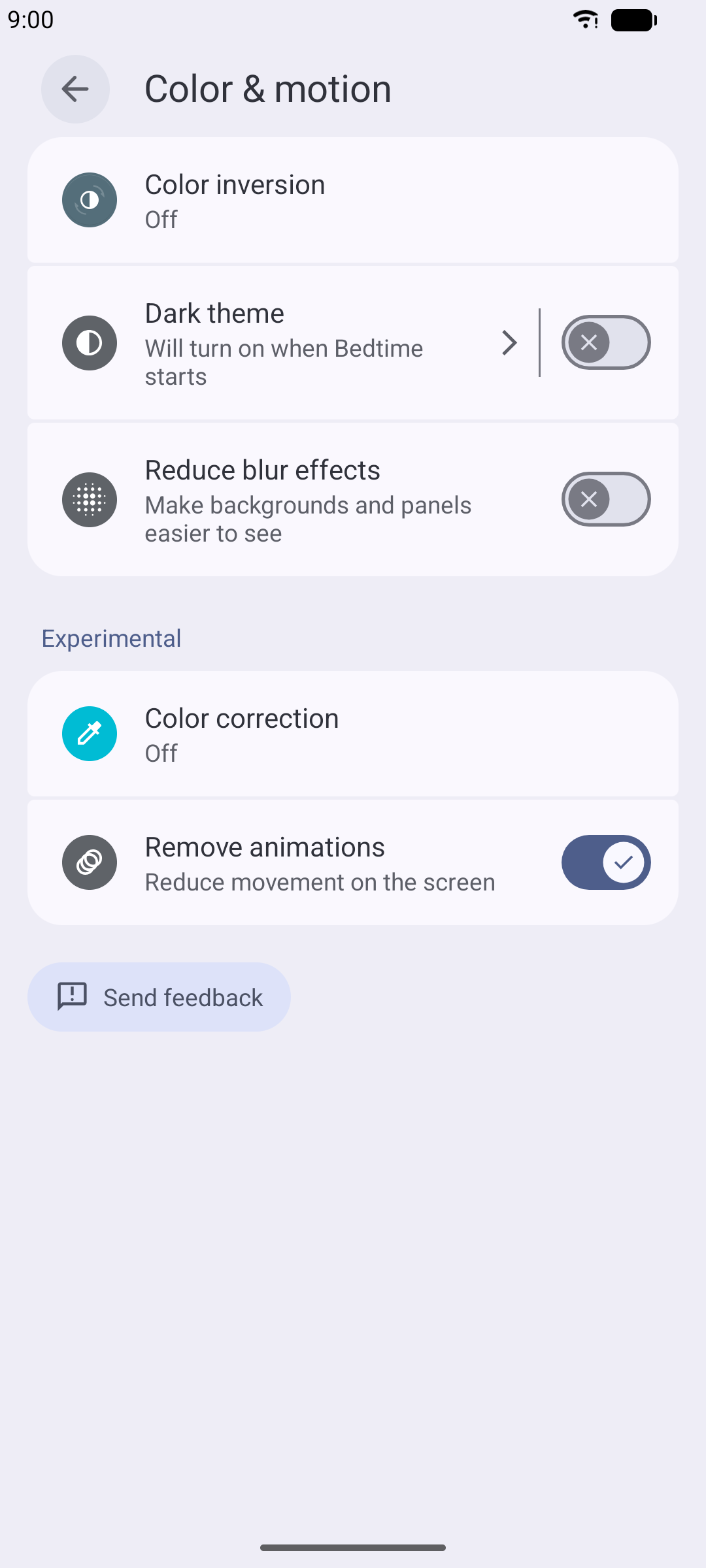
That’s four taps, all in Accessibility settings.
What it does
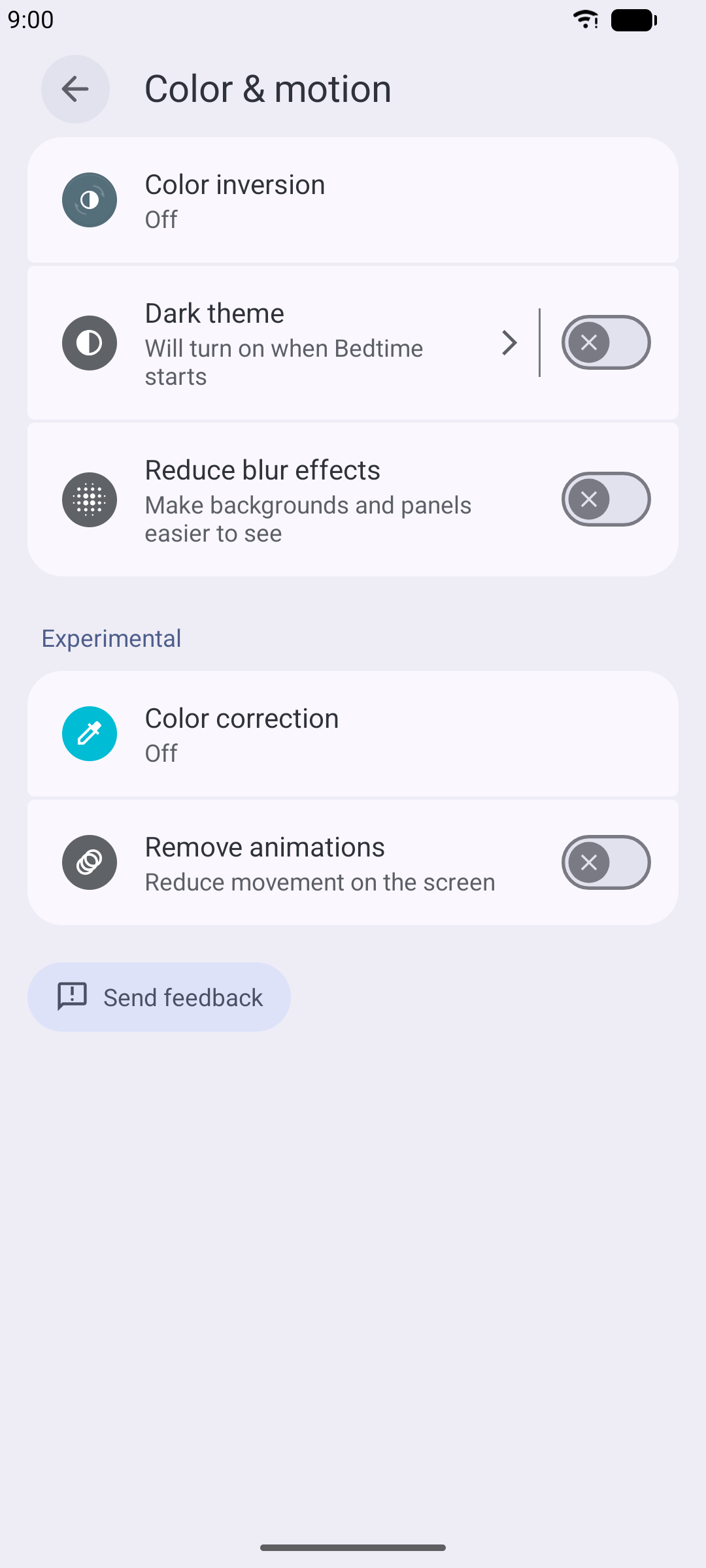
Remove animations cuts the sliding, fading, and zooming transitions your phone plays between screens. Less visual motion, less conflict with what your inner ear is telling you.
It handles what Android does at the system level. Apps with their own motion settings, like Spotify’s Canvas toggle, are set separately, inside each app. For finer control (faster transitions instead of none at all), Developer Options has sliders for that.
Why you’ve never seen it
Remove Animations is in Settings → Accessibility, a menu most people never open because the name implies it’s for specific medical or physical needs. The label doesn’t say “reduce screen motion” or “stop transition effects.” It says Accessibility, and that word keeps the general population out. The setting itself has been in Android since API level 26, which means it shipped with Android 8.0 Oreo in 2017. Nearly a decade of availability, filed behind a door that signals “not for you” to the average user.
Google also offers animation scale controls in Developer Options, which is an even more hidden menu that requires tapping a build number seven times to unlock. Between Accessibility and Developer Options, Android’s two motion-reduction tools are both behind menus designed to keep casual users away.
The bigger picture
The W3C built an entire accessibility standard around animation-triggered discomfort. WCAG 2.1 Success Criterion 2.3.3 specifically addresses motion from interactions, and Apple added prefers-reduced-motion to CSS and iOS years ago. The medical literature on visually induced motion sickness is decades old. About 1 in 3 people are susceptible to motion sickness generally, and the number climbs for passengers in vehicles looking at screens.
Android’s answer is a toggle in Accessibility, and it covers the system layer. The result is a patchwork: system transitions disappear, and every app still keeps its own motion setting in its own menu. Spotify’s Canvas is set inside Spotify; YouTube’s autoplay is set inside YouTube. TrueTo handles Remove Animations alongside the app-specific motion toggles so you don’t have to track them separately.
Enjoy the movie. Save the trailers for after the drive.