Turn on autoplay, previews and looping video in every app
Play is yours.
Your apps autoplay the next video, previews as you browse and looping video behind your songs. Here is what TrueTo sets so they play for you.
Two kinds
of users.
The right fit
for everyone.
Paused
Your apps wait for you.
Playing
Your apps play for you.

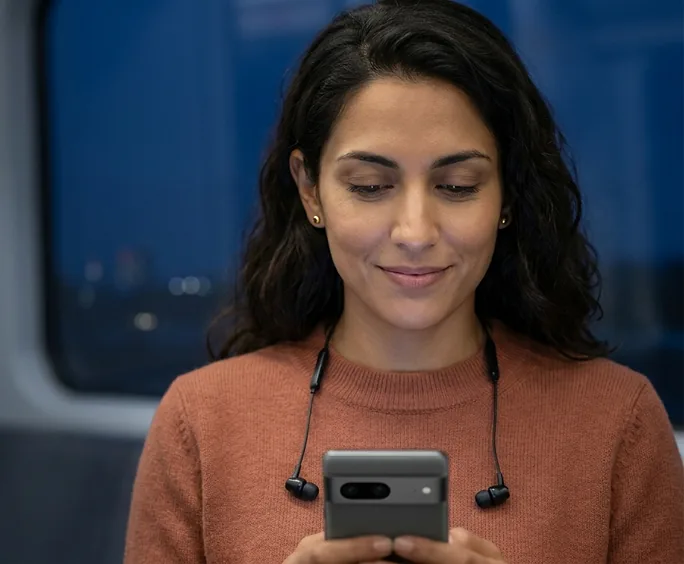
Learn what your apps play on their own.
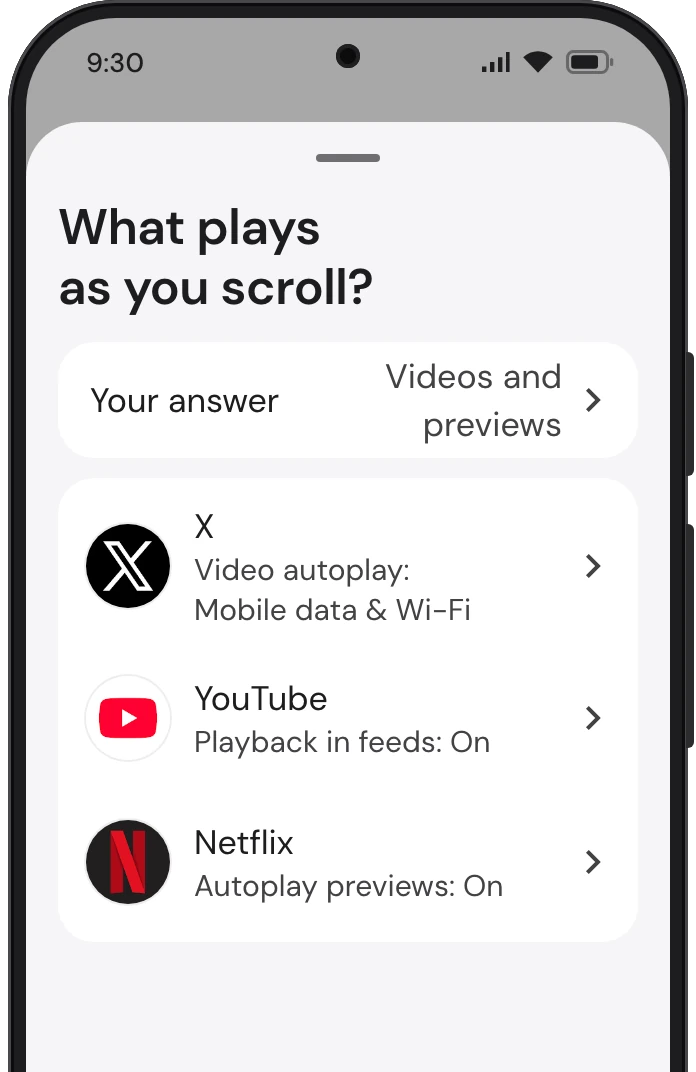
Your apps play the videos in your feed and previews of what you browse. TrueTo sets each of them to play for you.
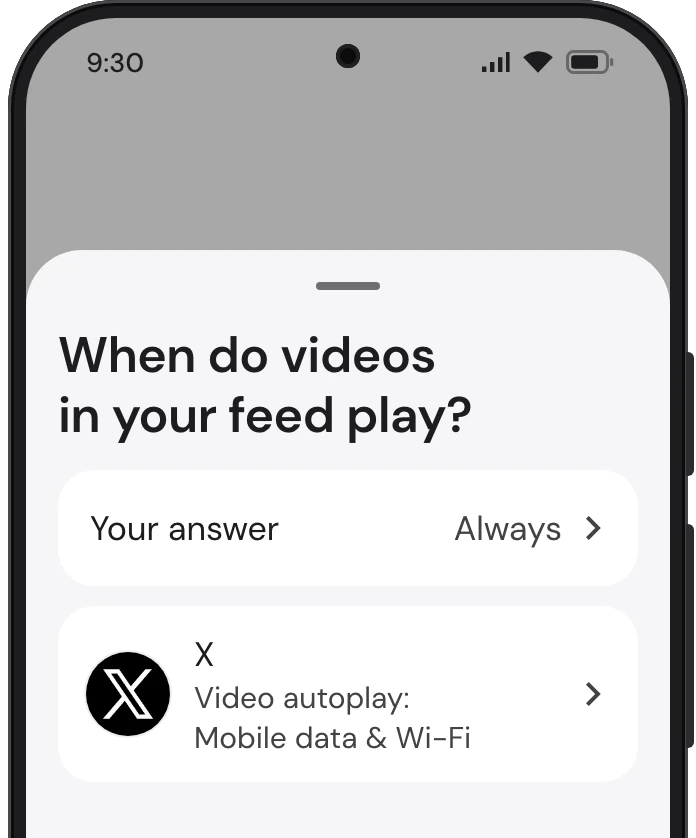
Facebook, Reddit and X start each video in your feed as it comes into view. TrueTo sets each app to play them.
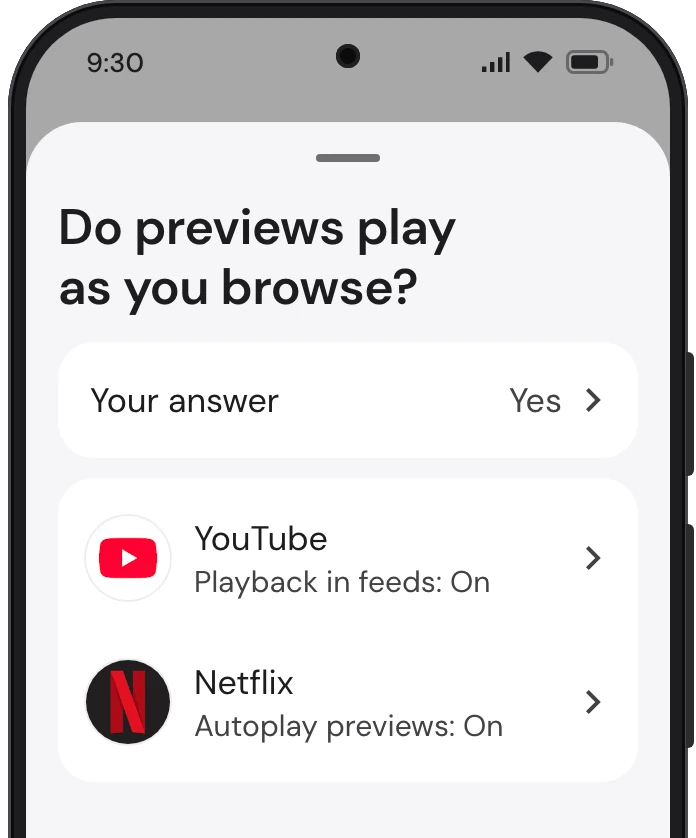
YouTube and Netflix play previews of the videos and shows you browse past. TrueTo sets them on in each app.
Play on when it ends.
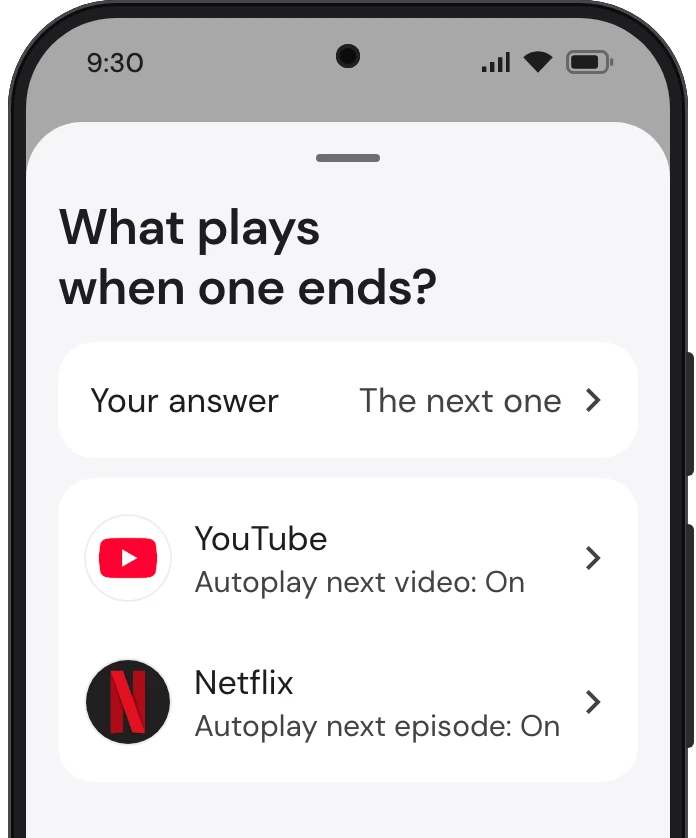
Let apps start the next video, episode or song when the one you picked ends.
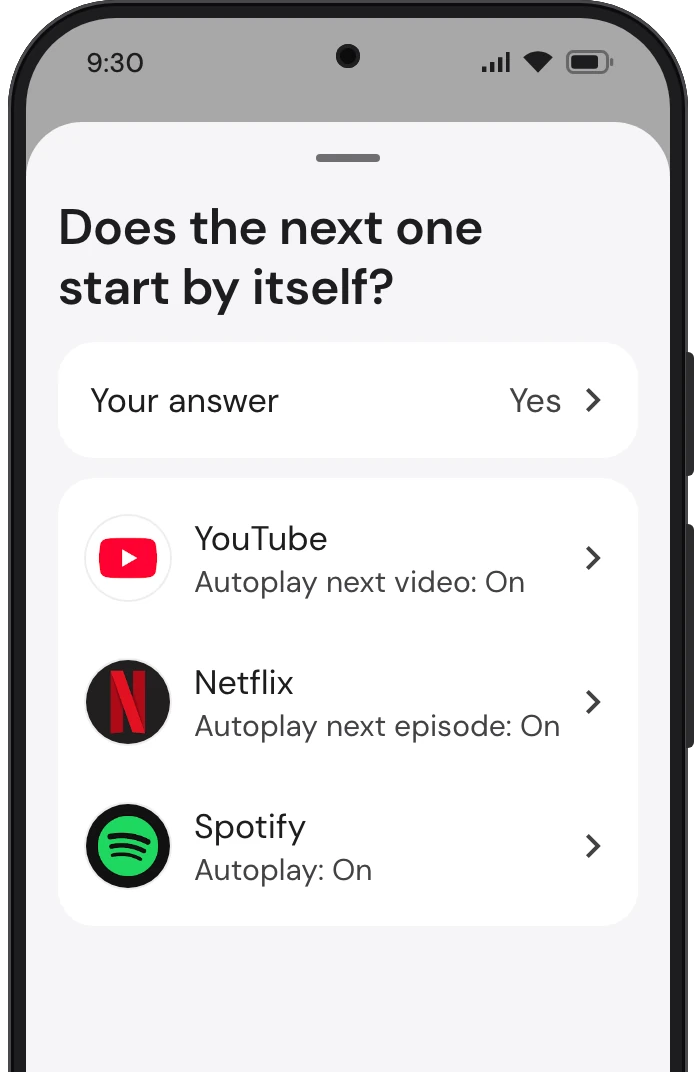
YouTube and Netflix start the next video or episode as soon as one ends. TrueTo sets it on in each app.
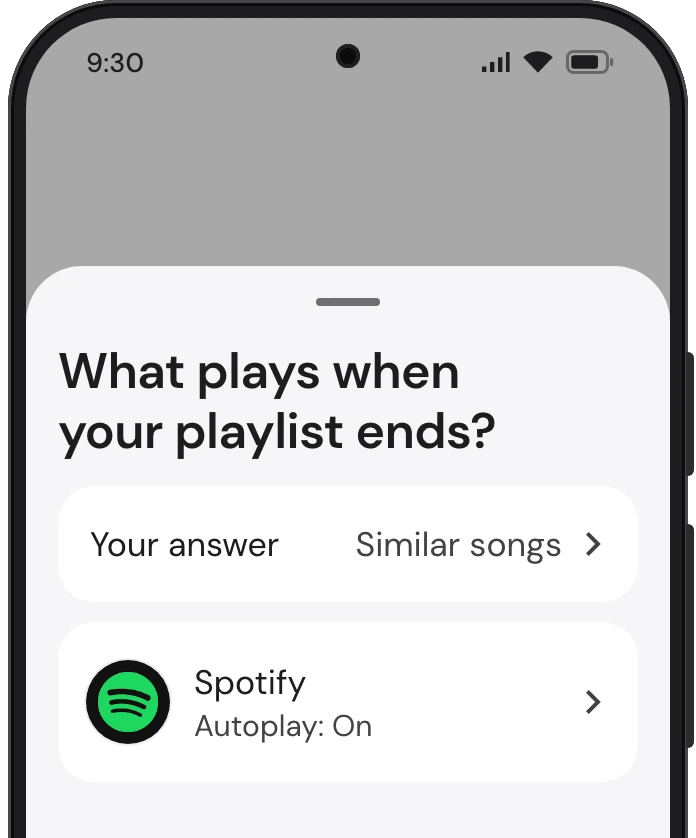
When your playlist or your queue runs out, Spotify plays more songs like the ones you played. TrueTo sets it on.
More ways to keep the screen moving.
Let songs play with a looping video behind them.
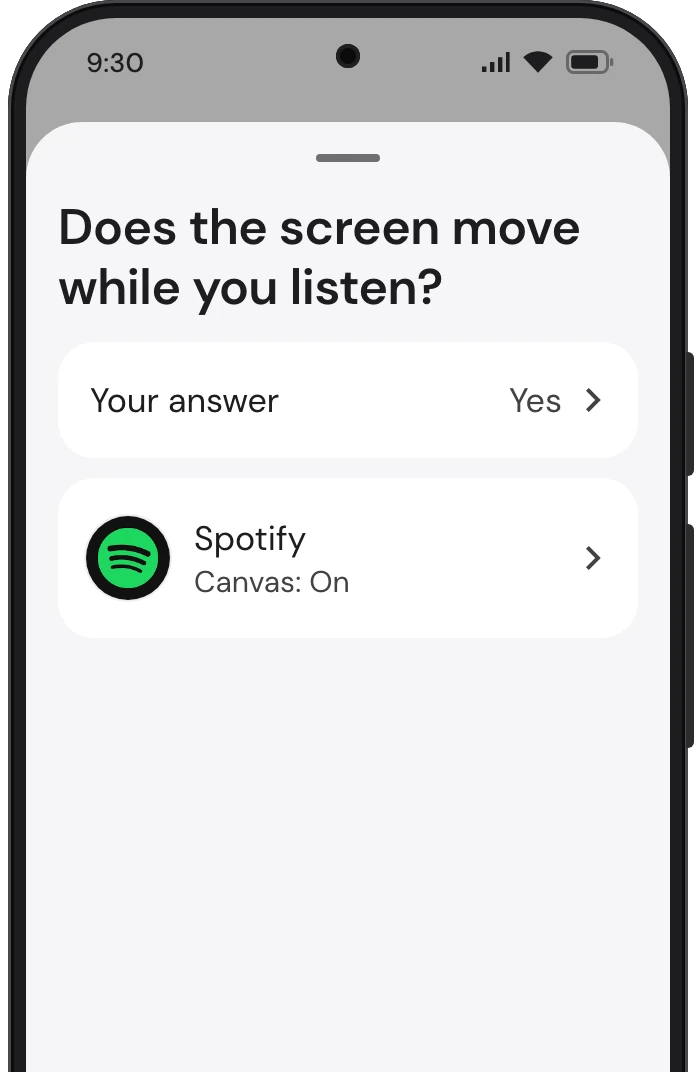
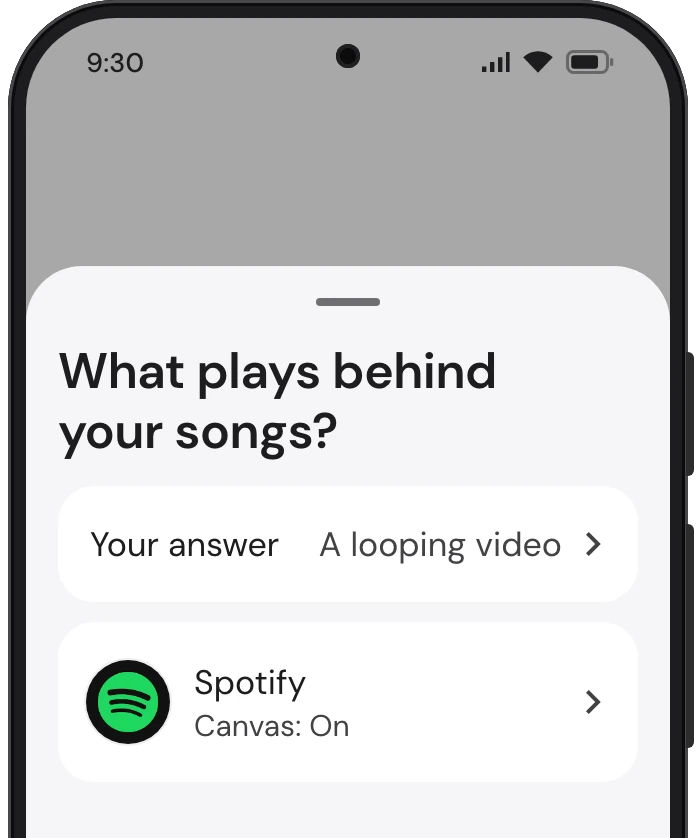
Spotify plays a looping video clip behind some songs on its Now Playing screen. TrueTo sets it on. It is a setting of its own, apart from Similar songs.
Get started
with TrueTo.
Download it from Google Play and change any setting back.