Mute notifications and set quiet hours in every app
Quiet is yours.
Your phone and your apps send notifications for messages, groups, sites and uploads, and some keep quiet hours of their own. Here is what TrueTo sets so fewer notifications reach you.
Two kinds
of users.
The right fit
for everyone.
Quiet
Fewer notifications reach you.

On call
More notifications reach you.

Learn what your apps tell you about.
Your apps and your browser notify you of what happens in them, down to each message in each group. TrueTo sets each of them so fewer reach you.
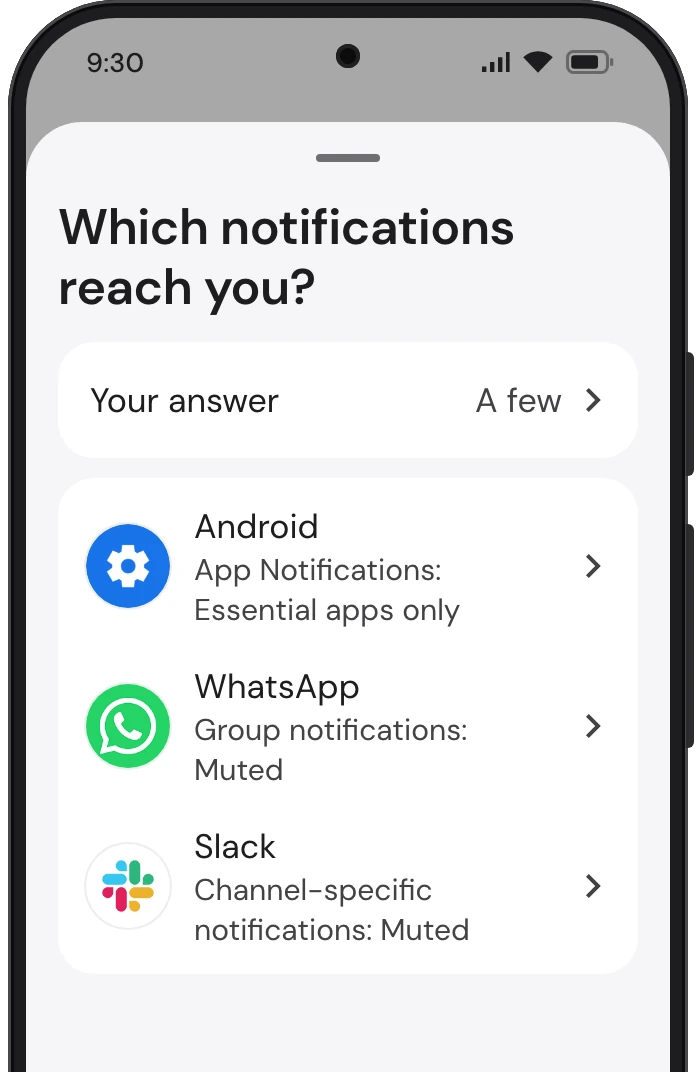
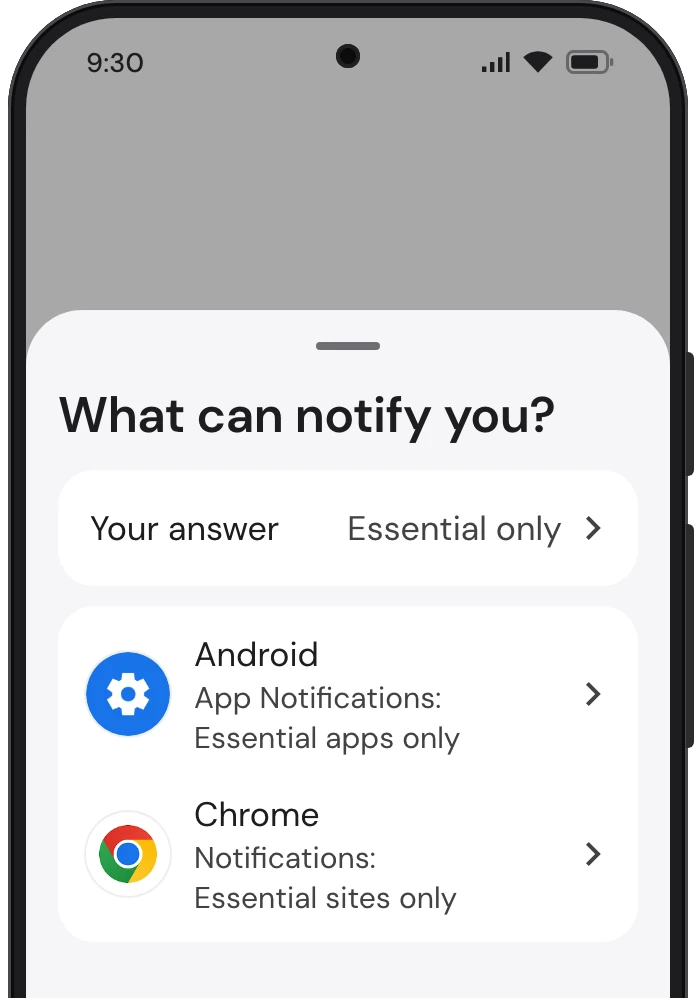
Android lets each app on the phone send notifications, and Chrome lets each website you’ve said yes to send them too. TrueTo sets them off for all but the apps and sites you pick.
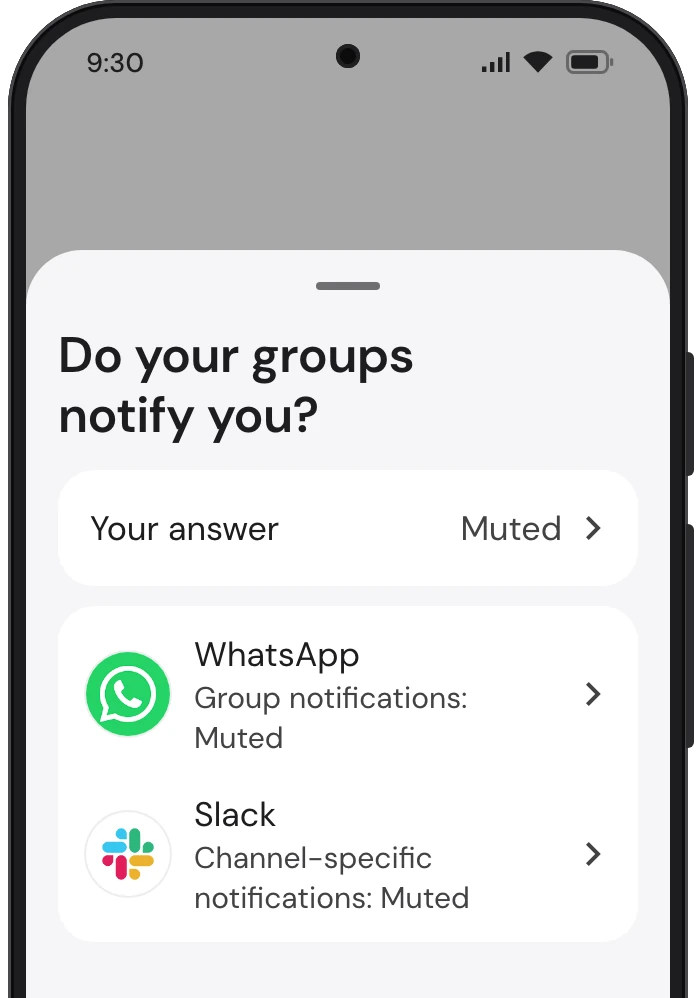
WhatsApp notifies you of messages in your groups, Slack of messages in your channels and GitHub of activity across your repositories. TrueTo sets them muted, all but the ones you pick.
Hold notifications for later.
Have your phone and your apps keep notifications back until the hours you set.
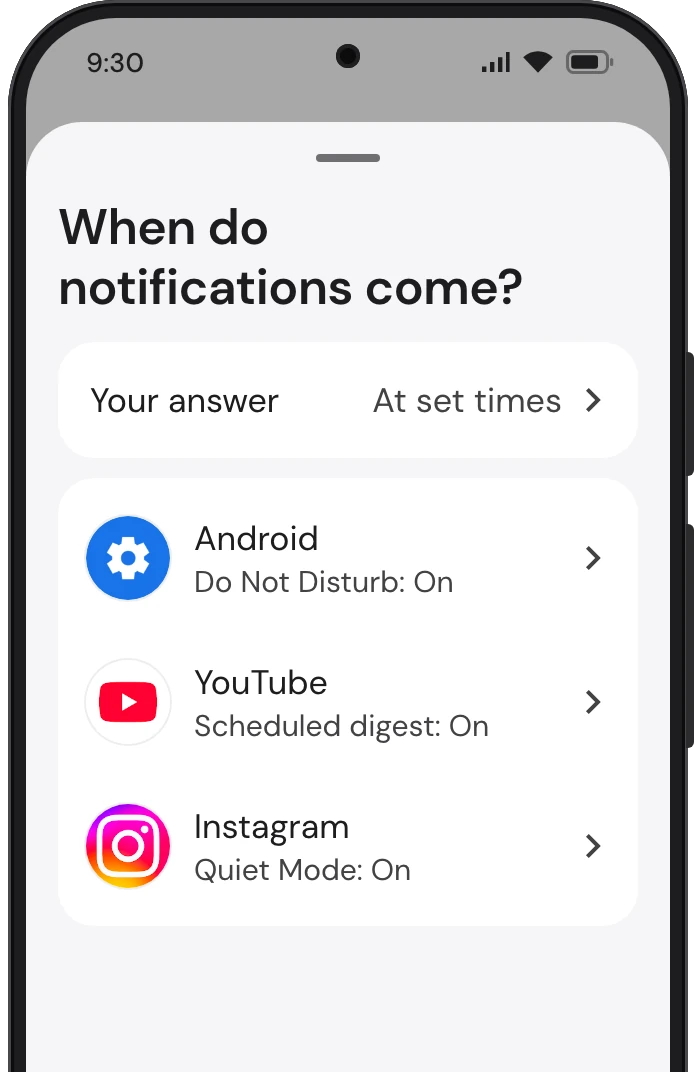
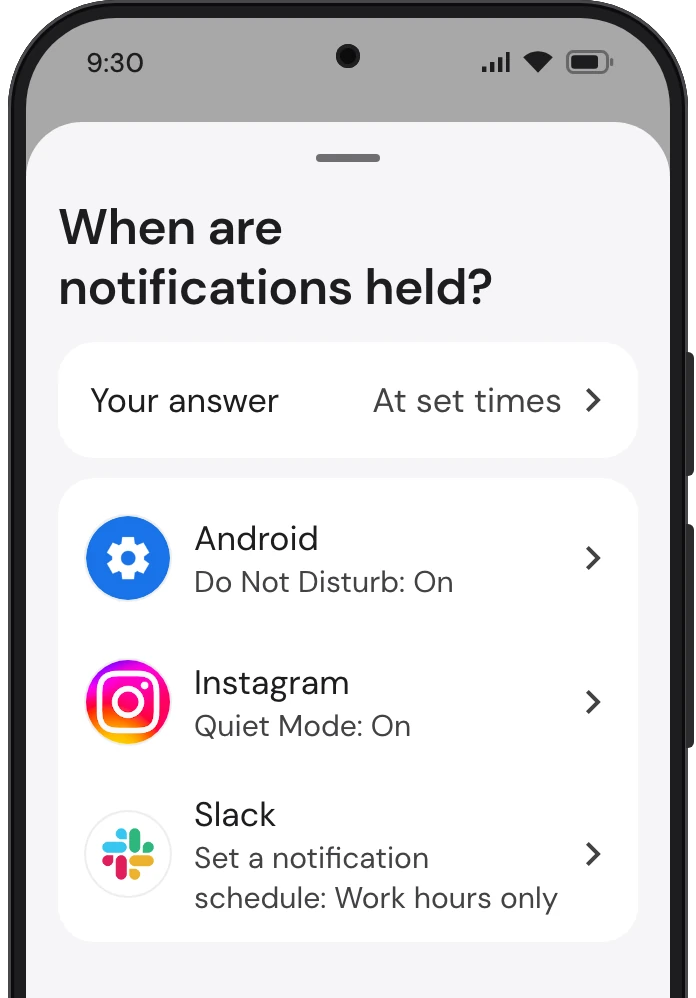
Android, Instagram and Slack can each hold notifications back for set hours, such as overnight or outside work. TrueTo sets each to keep the hours you pick.
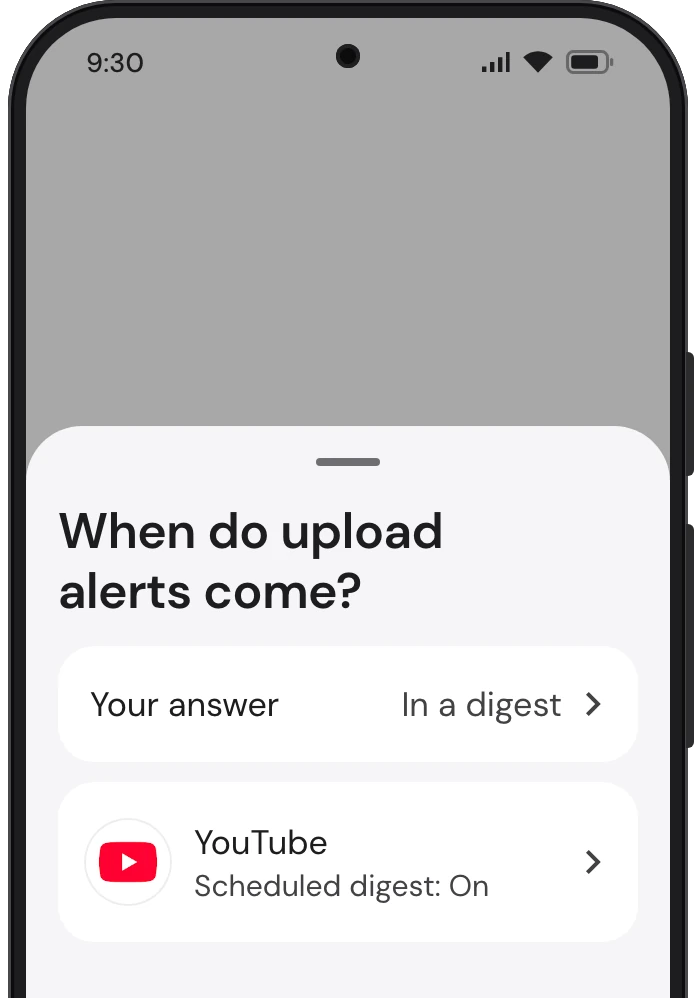
YouTube can alert you to each upload from every channel you subscribe to as it goes up, or gather those alerts into one scheduled digest. TrueTo sets the digest on.
More ways to make alerts blend in.
Let calls and notifications come in with no flash of light.
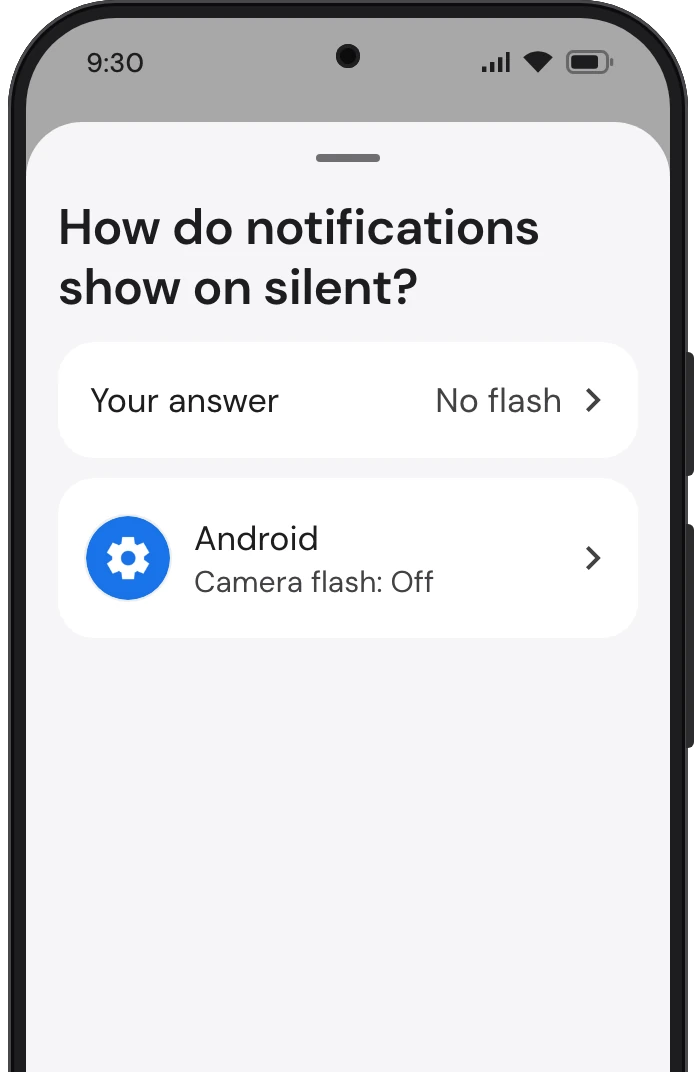
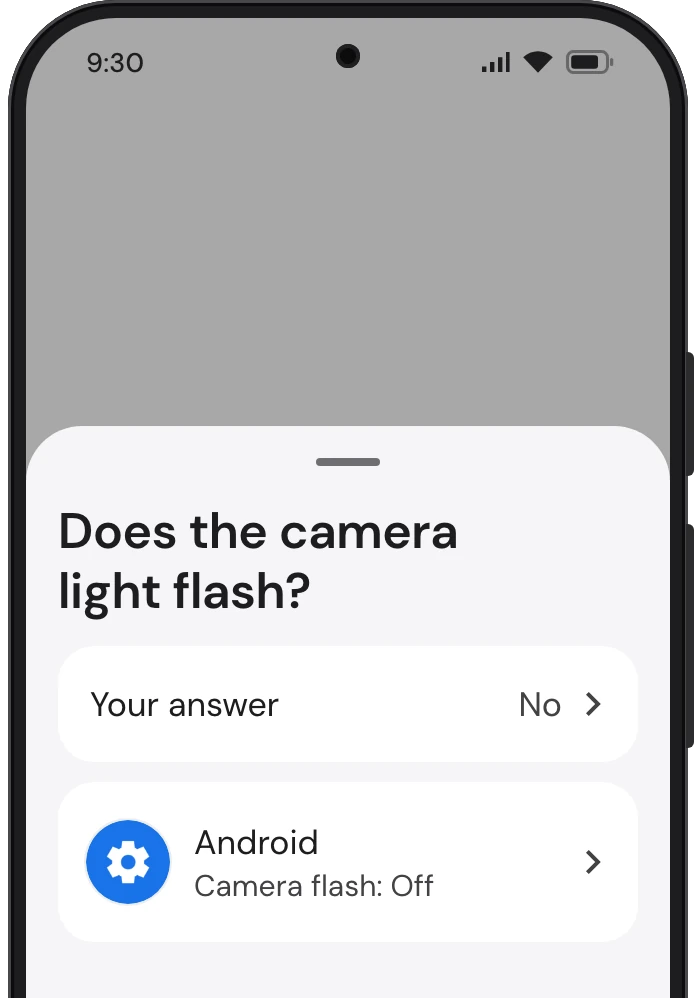
Android can flash the camera light whenever a call or a notification comes in, on top of any sound or vibration, and with the phone on silent too. TrueTo sets Flash notifications off.
Get started
with TrueTo.
Download it from Google Play and change any setting back.