Save battery, mobile data and storage in every app
Low power is yours.
Your apps use battery, mobile data and storage to stream, download and keep working after you leave them. Here is what TrueTo sets so apps use less of your phone.
Two kinds
of users.
The right fit
for everyone.
Low power
Apps use less of your phone.

Full power
Apps use more of your phone.

Learn how your apps use mobile data.
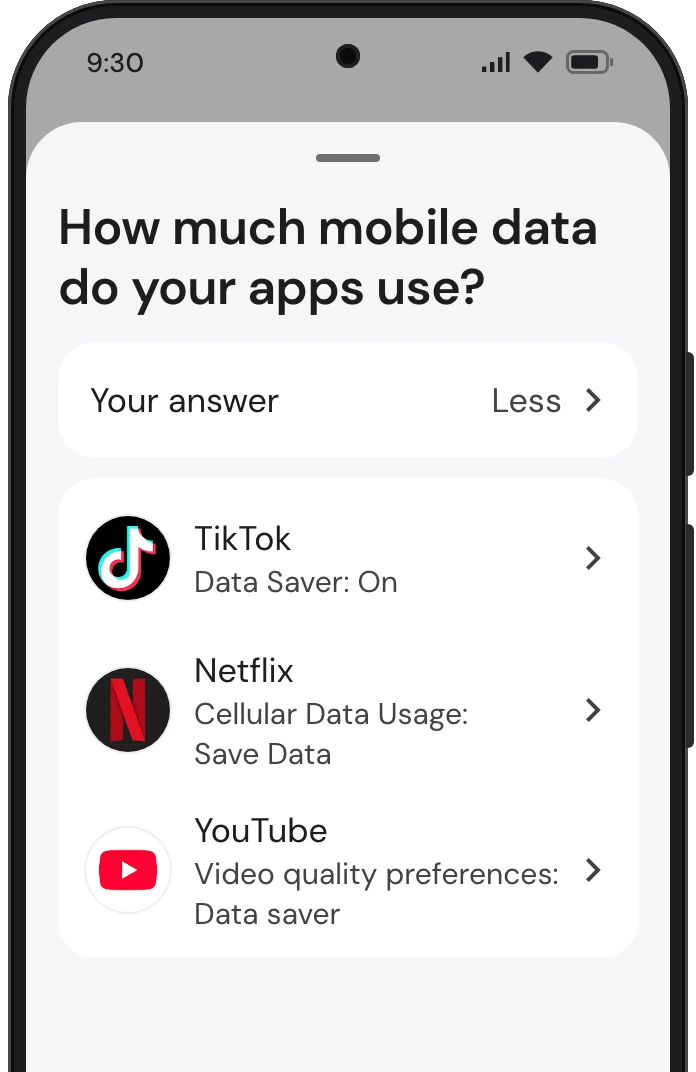
Your apps stream, load and send over mobile data whenever you’re away from Wi-Fi. TrueTo sets each of them to use less of it.
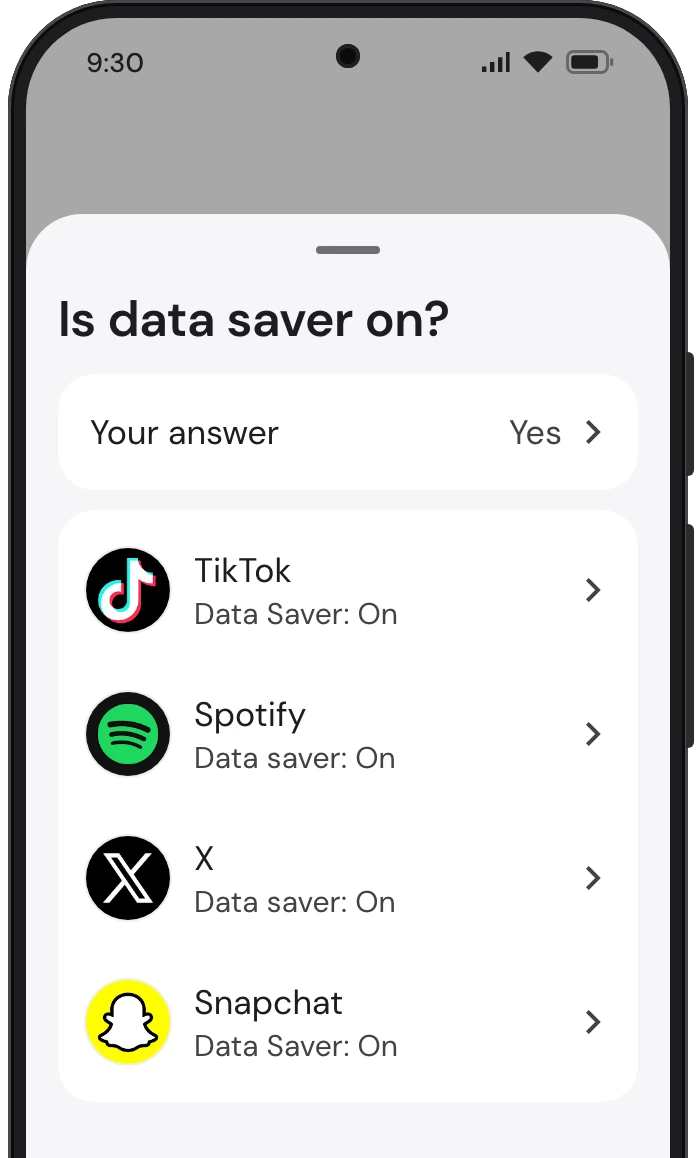
TikTok, Spotify, X and Snapchat each keep a data saver, which cuts the data they use by loading less of what you see and hear. TrueTo sets each on.
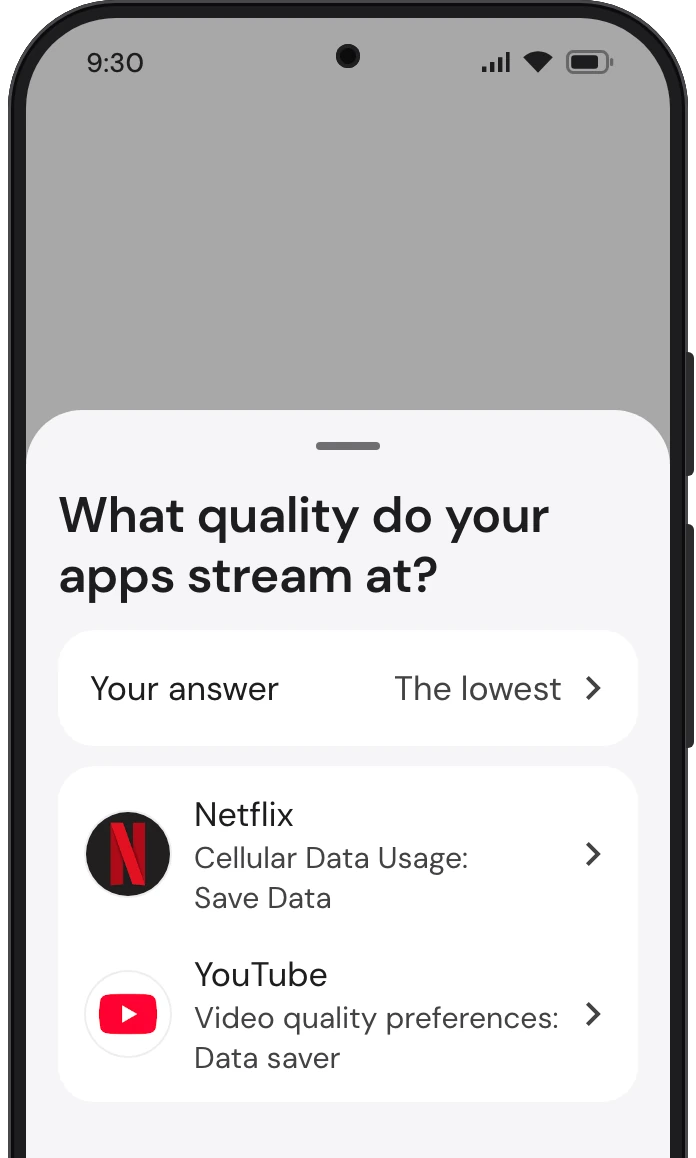
Netflix, YouTube and Spotify each keep a quality setting for streaming over mobile data, and a higher one takes more of it. TrueTo sets each to its lowest quality.
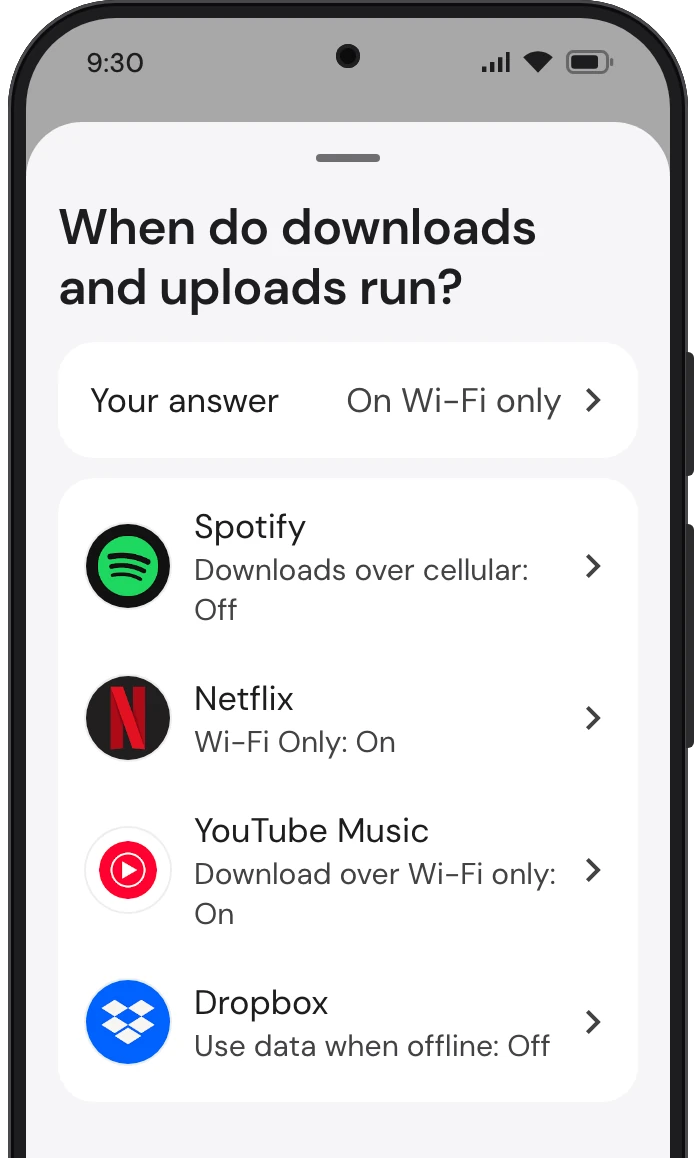
Spotify, Netflix, YouTube Music and Dropbox can move big files, such as downloads and photo uploads, over mobile data or hold them for Wi-Fi. TrueTo sets each to Wi-Fi only.
Let apps rest in the background.
Stop your phone and your apps downloading and using mobile data when you’ve left them.
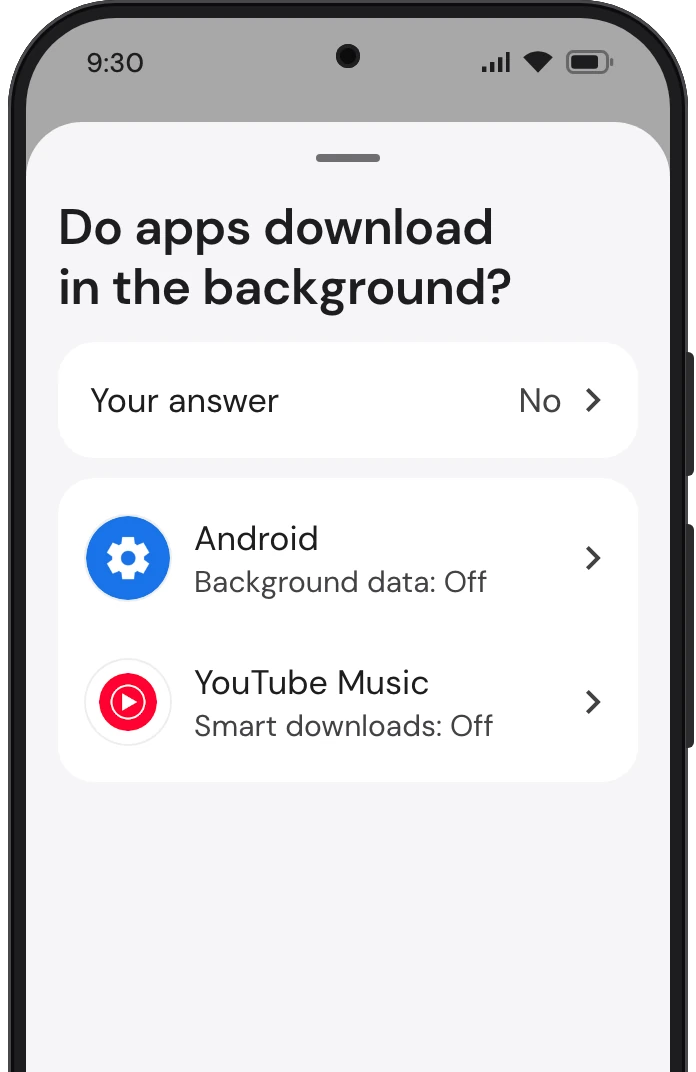
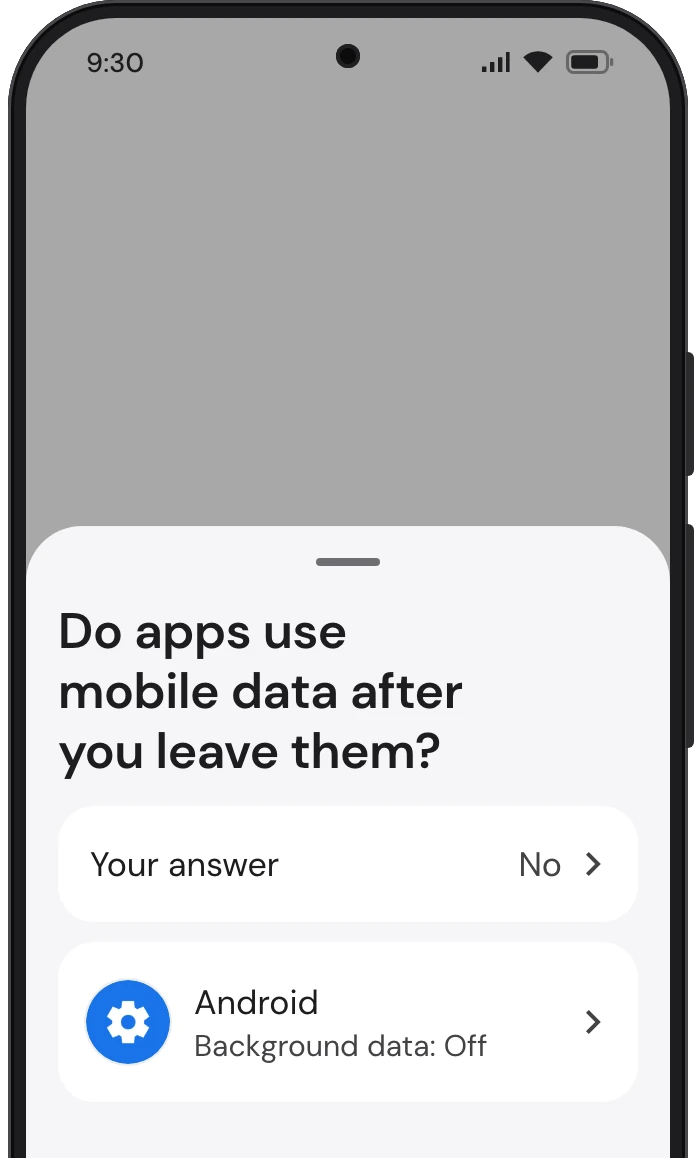
Android lets TikTok, YouTube, Snapchat and X use mobile data in the background, while you’re not using them. TrueTo sets each off.
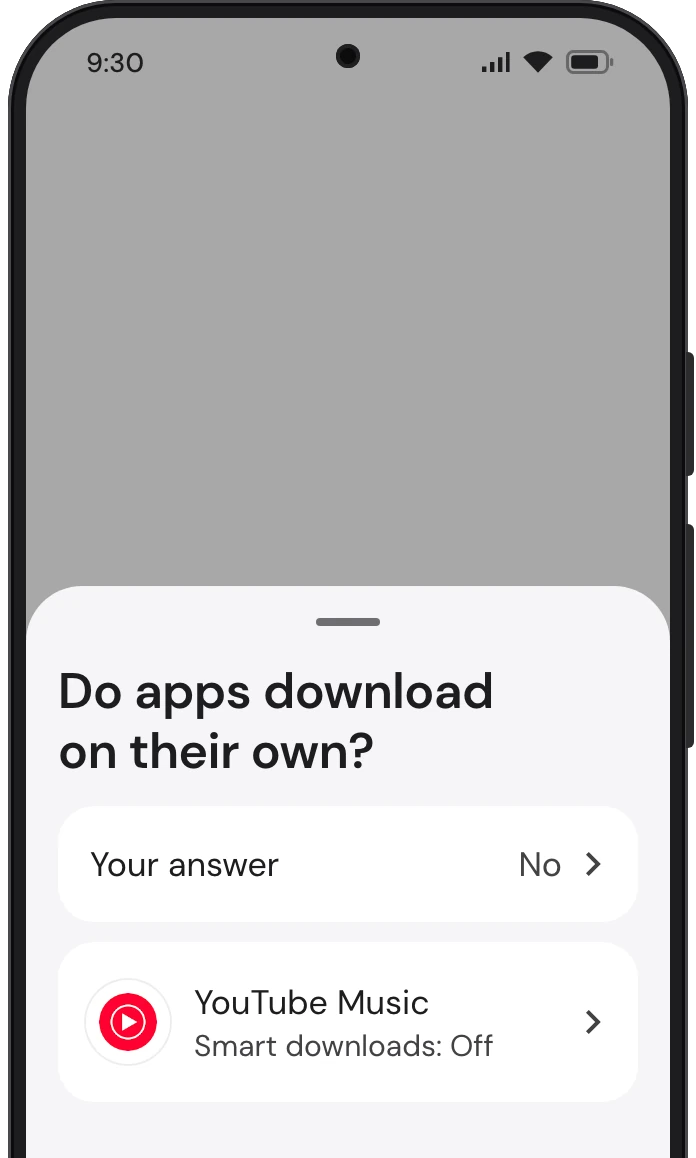
YouTube Music can download on its own, picking songs from what you’ve played, so they’re ready with no signal. TrueTo sets it off.
More ways to keep less on your phone.
Save downloads at a smaller size, and media from chats only when you open it.
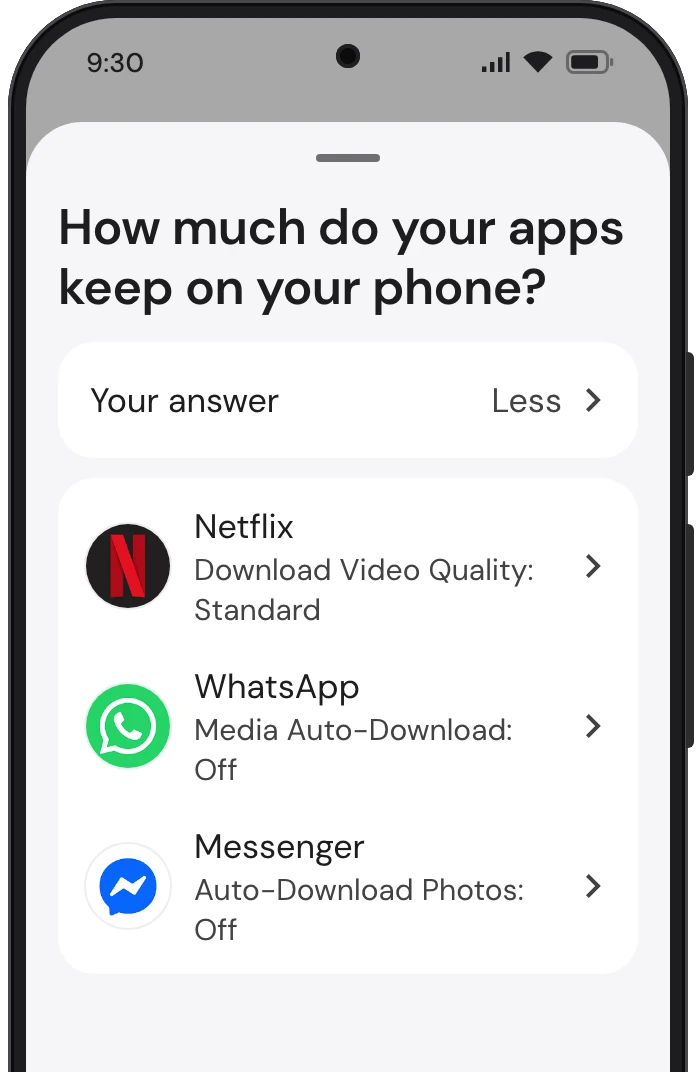
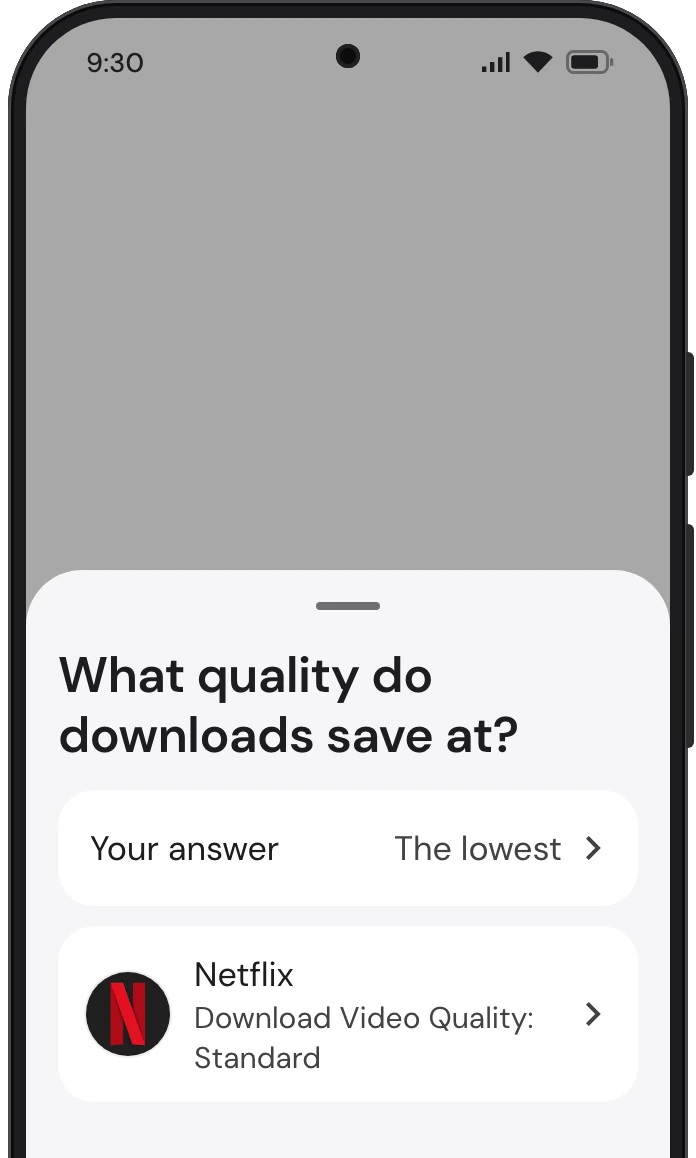
Netflix, YouTube and Spotify each save downloads at a quality of their own, and a higher one takes more space. TrueTo sets each to its lowest quality.
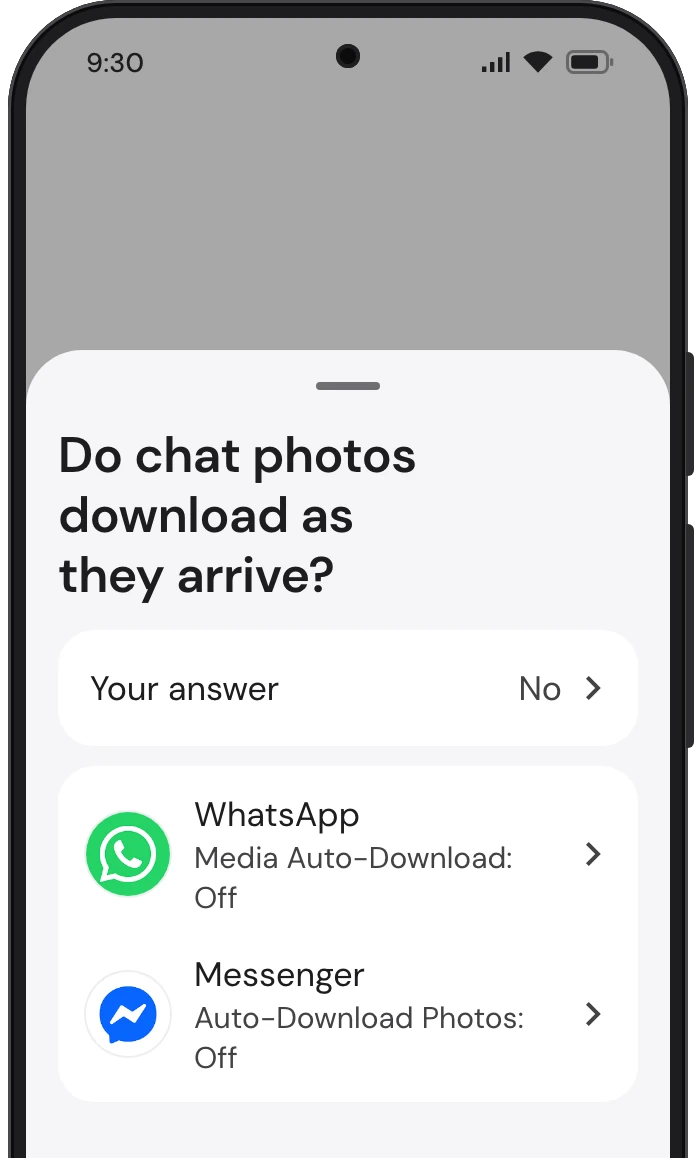
WhatsApp and Messenger can download the photos and other media people send you as they arrive, before you open the chat. TrueTo sets each off.
Get started
with TrueTo.
Download it from Google Play and change any setting back.