Turn on notification sounds, ringtones and vibration in every app
Loudness is yours.
Your apps play notification sounds and ringtones, and your phone backs them with vibration. Here is what TrueTo sets for more sounds and more buzzes.
Two kinds
of users.
The right fit
for everyone.
Silent
Fewer sounds, fewer buzzes.
Loud
More sounds, more buzzes.


Learn what your apps play out loud.
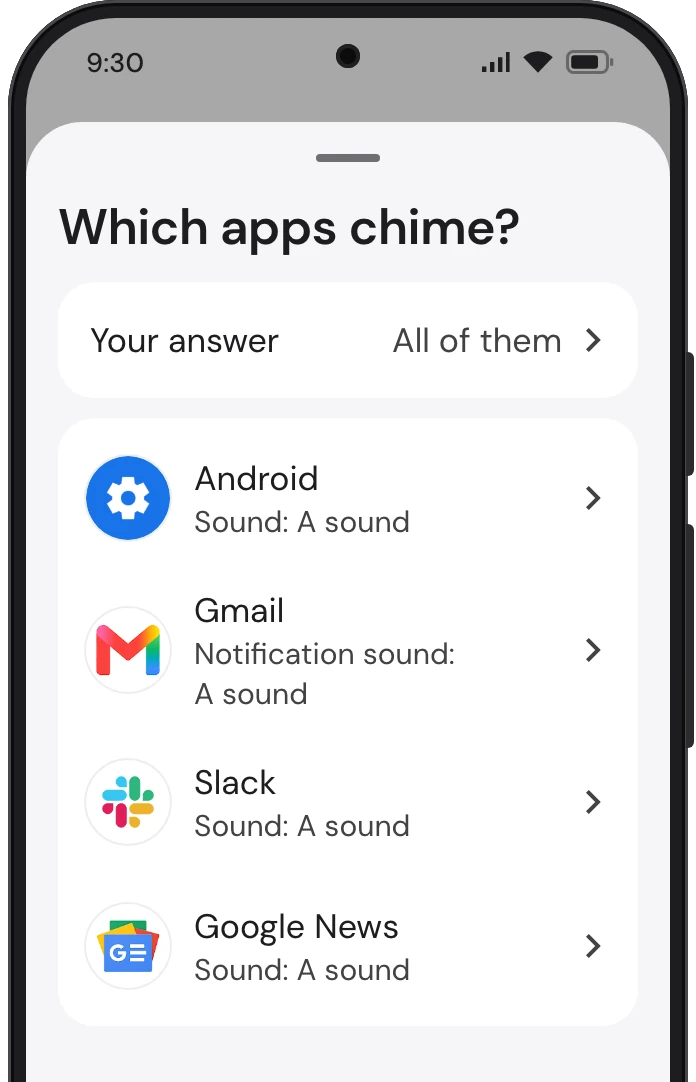
Your phone and your apps chime when something new comes in and ring when someone calls. TrueTo sets each of them to play a sound.
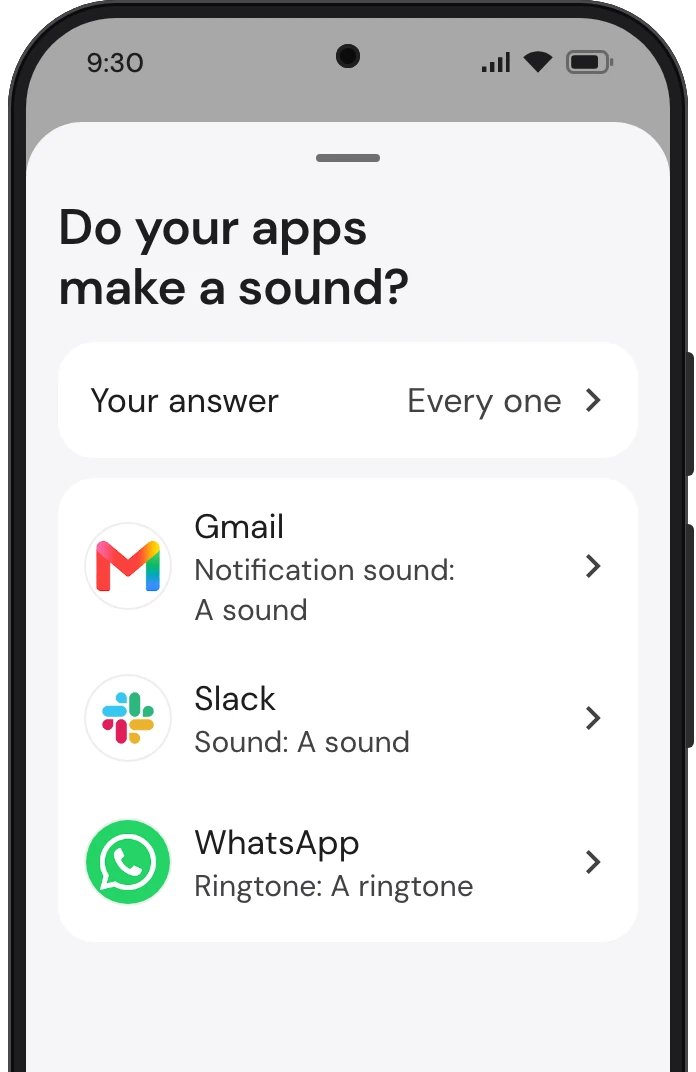
Android plays a sound for each app’s notifications, and Gmail, Slack and Google News each keep a sound setting inside the app too. TrueTo sets each to play a sound.
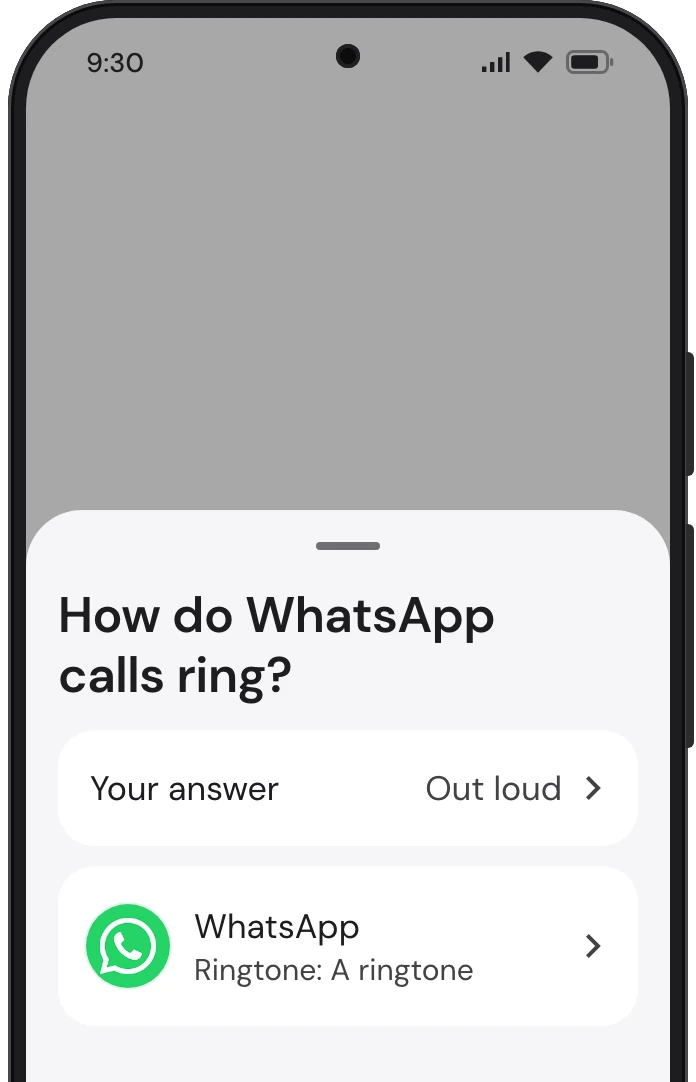
WhatsApp rings with a tone of its own when a call comes in on it, apart from the phone’s ringtone. TrueTo sets a ringtone for calls.
Feel your phone buzz.
Let your phone buzz in your hand, in your pocket or on the table.
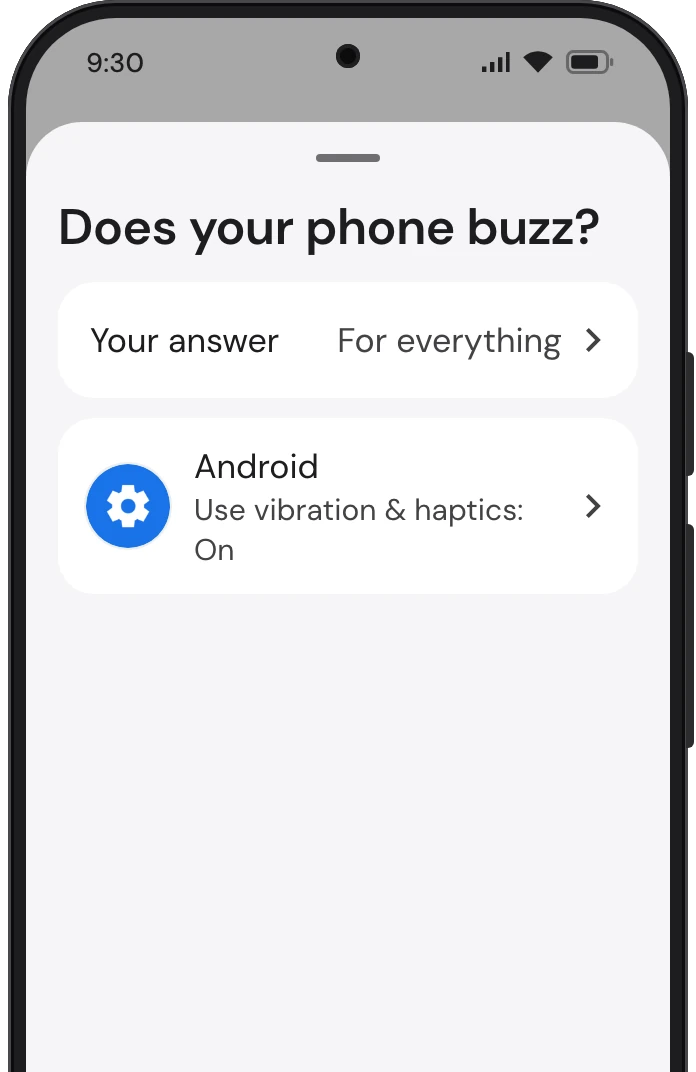
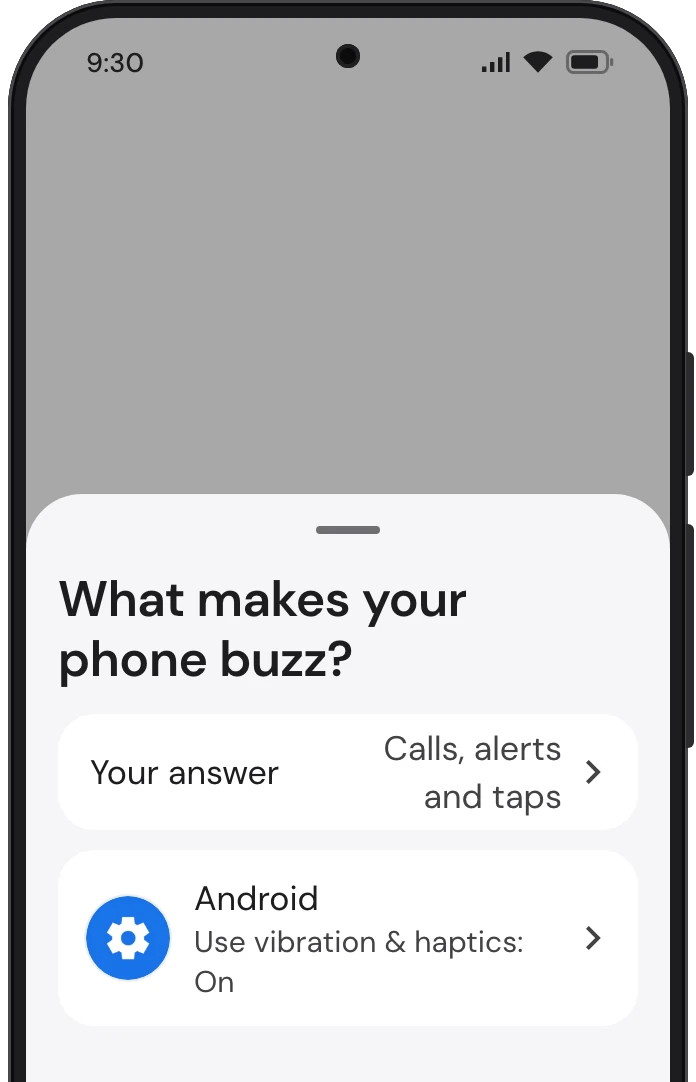
Android buzzes when a call rings, a notification arrives or an alarm goes off, and taps back under your finger as you touch the screen. TrueTo sets Vibration & haptics on.
Get started
with TrueTo.
Download it from Google Play and change any setting back.