Brighten your screen and turn on animations in every app

Brightness is yours.

Your screen can stay light, use all its brightness, keep its blue-white cast and play its animations. Here is what TrueTo sets for more light and more motion.

Get TrueTo

Learn how your apps light the screen.

TrueTo on a phone, showing what it sets for Bright.

Your phone and your apps decide whether the screen is dark or light, how bright it gets and how warm its light is. TrueTo sets each of them for more light.
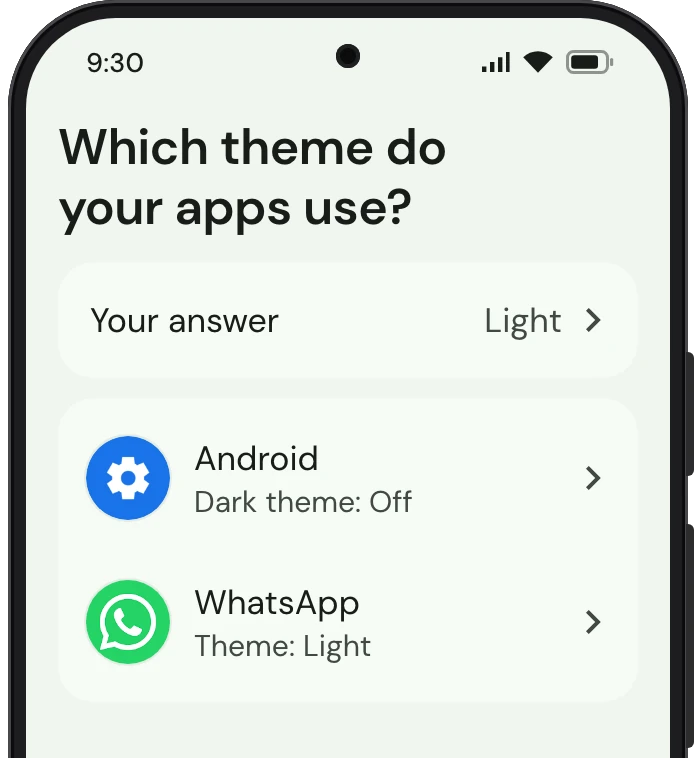
TrueTo on a phone, showing Dark mode set for Bright.

Dark mode

Android can turn every app that follows it dark, and YouTube, Chrome and WhatsApp each keep a theme setting apart from it. TrueTo sets each to light.
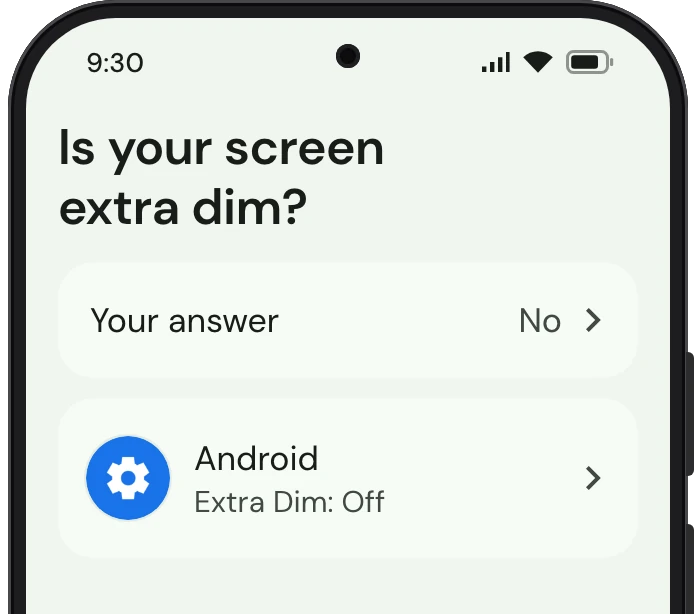
TrueTo on a phone, showing Extra Dim set for Bright.

Extra Dim

Android’s brightness slider stops at a floor, and Extra Dim takes the screen below it, with an intensity of its own. TrueTo sets Extra Dim off.
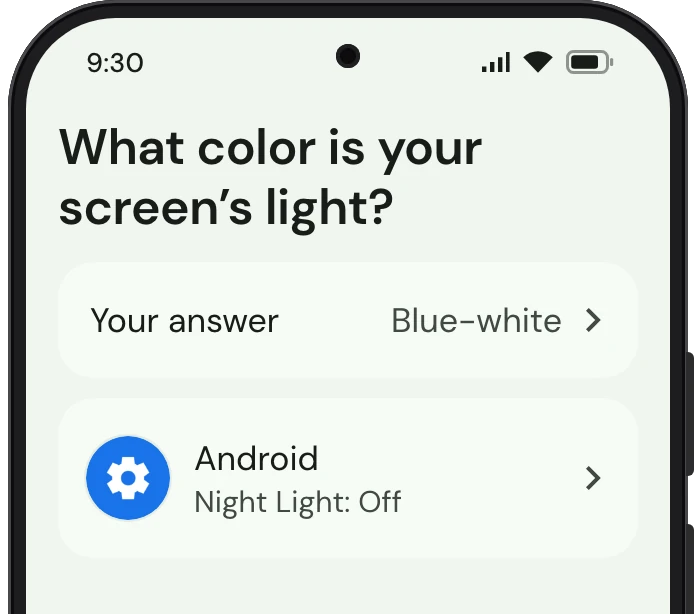
TrueTo on a phone, showing Night Light set for Bright.

Night Light

Android can tint the whole screen warm, taking out its blue-white cast, over every app at once. TrueTo sets Night Light off.

Get TrueTo

Keep your screen moving.

TrueTo on a phone, showing what it sets for Bright.

Let your phone and your apps animate screens and play video on their own.

TrueTo on a phone, showing Animations set for Bright.

Animations

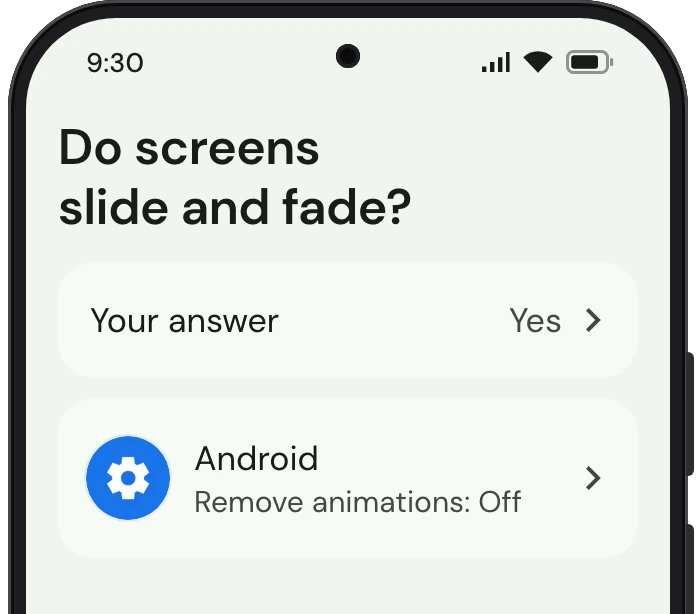
Android slides each app in as you switch to it and fades each menu into view. TrueTo sets Remove animations off.

TrueTo on a phone, showing Video behind songs set for Bright.

Video behind songs

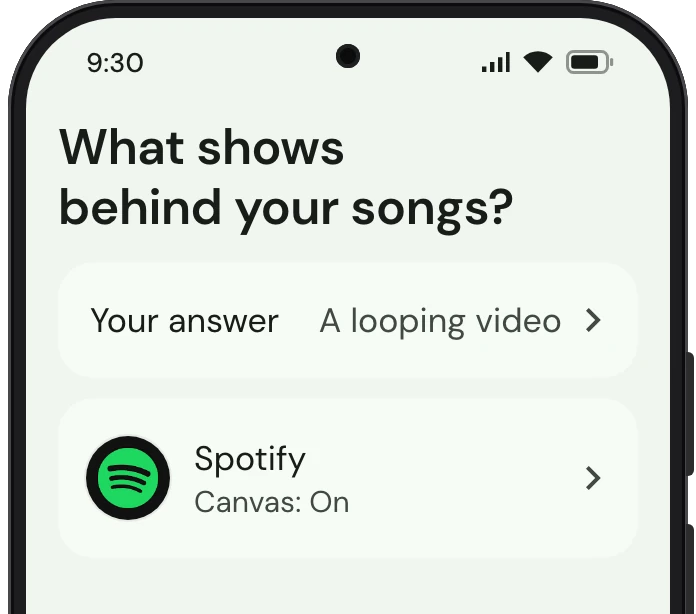
Spotify plays a short looping video behind the song on the Now Playing screen, in the place of the album art. TrueTo sets Canvas on.

TrueTo on a phone, showing Autoplay set for Bright.

Autoplay

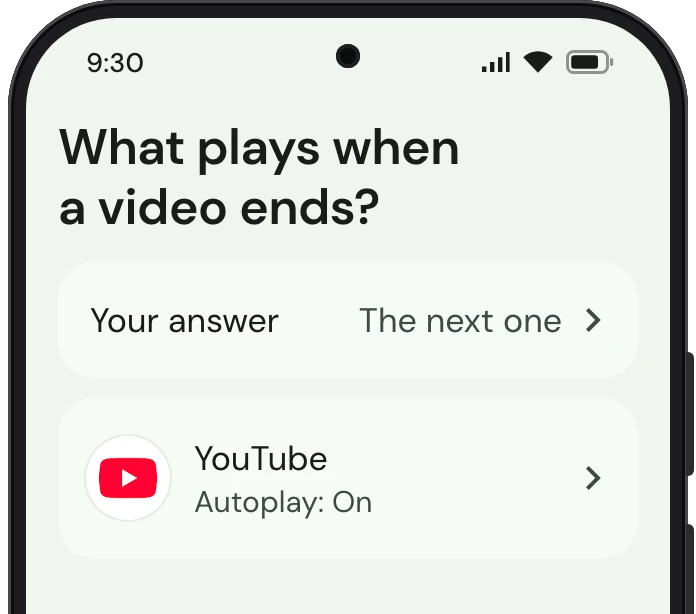
YouTube starts another video the moment the one you’re watching ends, and the next after that. TrueTo sets Autoplay on.

Get TrueTo

Learn more about TrueTo.

  • How it works

    TrueTo goes into each app and changes the setting the way you would. Every one of them is reversible, one at a time.

  • Privacy

    No ads. Your data is never sold or shared for advertising.

  • Help

    A question, a bug, or a setting TrueTo doesn’t cover yet. Write to us and a person answers.

Get TrueTo